USB-A
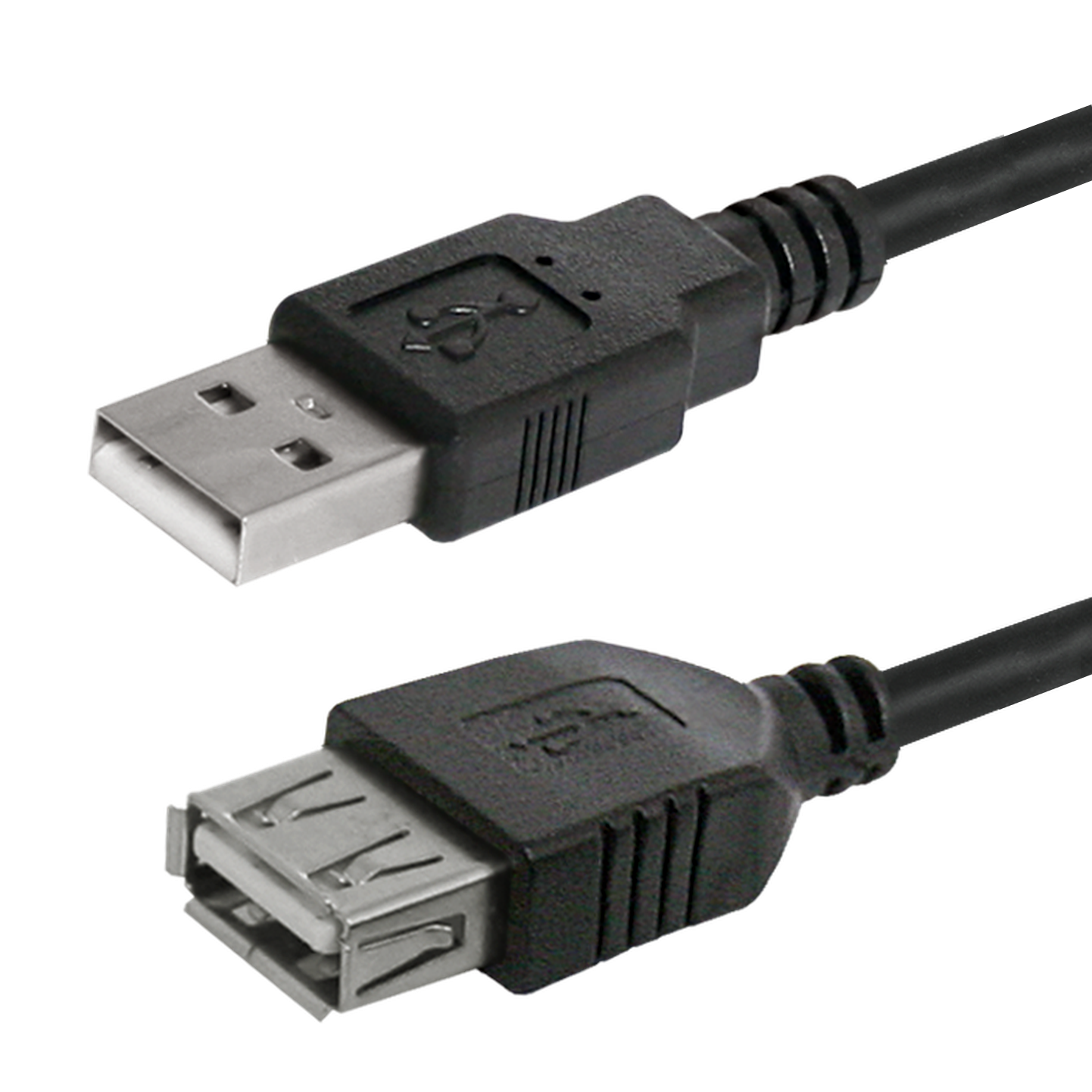
USB-A is the largest of the USB connector family and can be found on almost every major communication device. USB A to USB A cables can most often be used as USB extension cables, to connect older devices for which the manufacturer designed a USB-A connector, or to connect a USB hub.
More about USB Type A
The USB standard is one of the most versatile in the world of cables. Today, we can connect an incredible number of devices and peripherals using USB. One of the indispensable connectors of the USB standard is USB-A. You will find it on every computer, laptop, projector, game console, TV, some types of CD/DVD players, chargers, and much more. The connector itself is used, for example, to connect a mouse, keyboard, USB flash drives, external drives, smartphones to a computer, TV, or other device.


Connectors
USB-A has three types of connectors – the first is a plug (or male), and the second is a socket (or female). The plug can only be inserted into the socket in one direction. The third type of connector is a plug that solves the problem of occasionally difficult insertion of the plug into the socket – USB type A reversible. This connector can be plugged in both ways.
Predecessor of USB-C
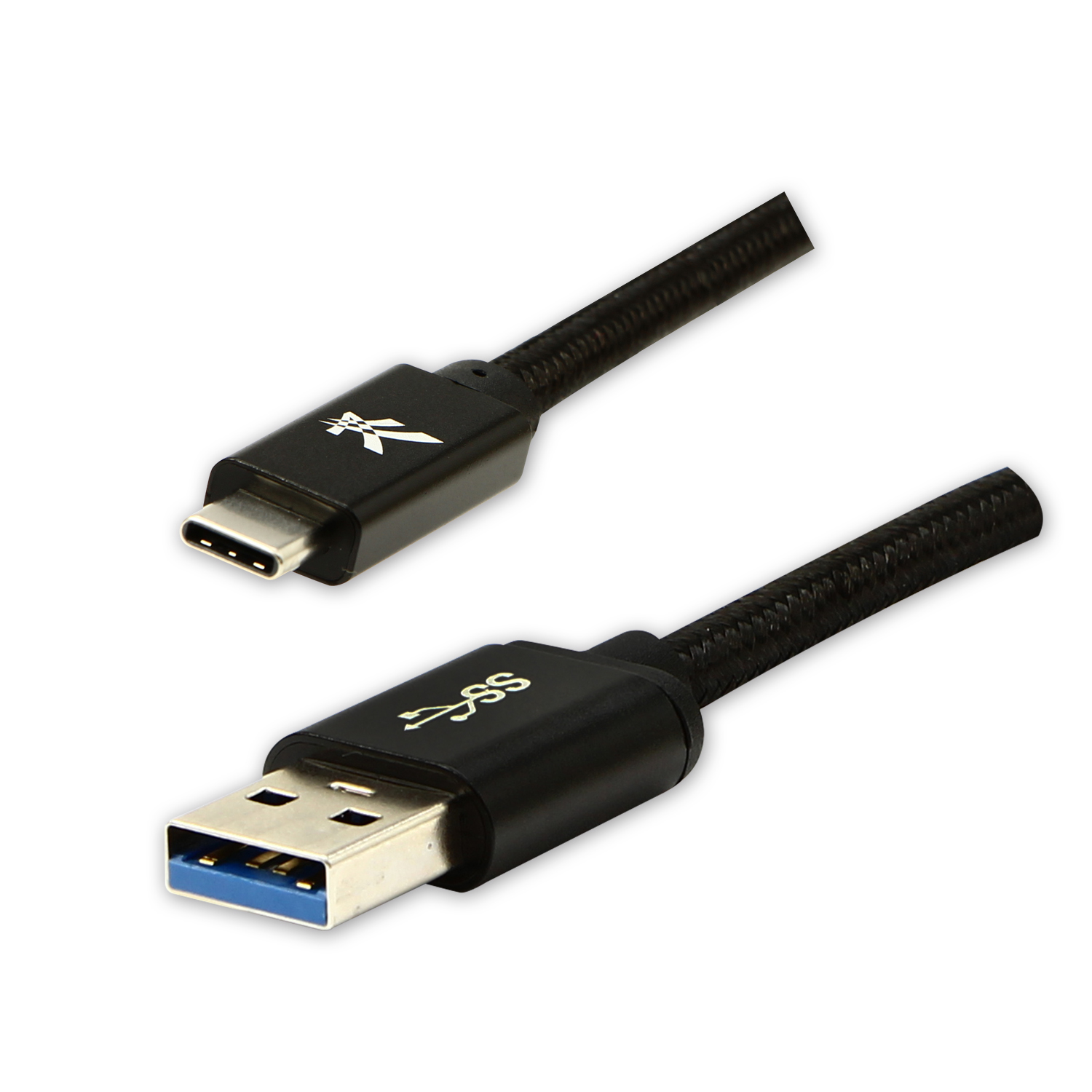
USB-A will be with us for a long time to come, but it will gradually be replaced by the USB-C connector. It is more compact, and USB-IF is focusing its development of the standard primarily on this type of connector. This can now be seen with USB 4.0, which is only available for the USB-C connector.
Versions and compatibility
USB has several versions, which have been renamed several times. The table below will help you get a better overview:
| Version name | Original version name | Previous version name | Marketing name | Transfer speed | USB-A support |
|---|---|---|---|---|---|
| USB 1.0 | Low Speed | 1.5 Mbps | Yes | ||
| USB 1.1 | Full Speed | 12 Mbps | Yes | ||
| USB 2.0 | High Speed | 480 Mbps | Yes | ||
| USB 3.2 gen 1 | USB 3.1 gen 1 | USB 3.0 | SuperSpeed USB 5Gbps | 5Gbps | Yes |
| USB 3.2 gen 2 | USB 3.1 gen 2 | SuperSpeed USB 10Gbps | 10Gbps | Yes | |
| USB 3.2 gen 2x2 | SuperSpeed USB 20Gbps | 20Gbps | No | ||
| USB 4.0 Gen 2x2 | USB4 20Gbps | 20Gbps | No | ||
| USB 4.0 Gen 3x2 | USB4 40Gbps | 40Gbps | No | ||
| USB 4.0 Gen 4 symmetrical | USB4 80Gbps | 80Gbps | No | ||
| USB 4.0 Gen 4 asymmetrical | USB4 80Gbps | 80Gbps | No |
USB-A color coding
Although color coding is not standardized, the following colors are generally used:
| Color | Version | Note |
|---|---|---|
| White | USB 1.0/USB 1.1 | Also commonly used for USB 2.0 |
| Black | USB 2.0 | |
| Blue | USB 3.2 gen 1 | |
| Blue-green | USB 3.2 gen 2 |
There are also less traditional port labels that indicate additional functions:
| Green | Qualcomm Quick Charge fast charging | |
| Purple | Huawei SuperCharge |
Red, orange, and yellow ports indicate that it is possible to power a device even when it is turned off or that it offers increased power output. Unfortunately, you will have to refer to the product manual for the exact function. Red and orange ports are usually found on personal computers, while yellow ports are found on laptops, but this is not always the case.